
Introducing InvoiceInk: Free Invoicing for Businesses That Bill Across Borders
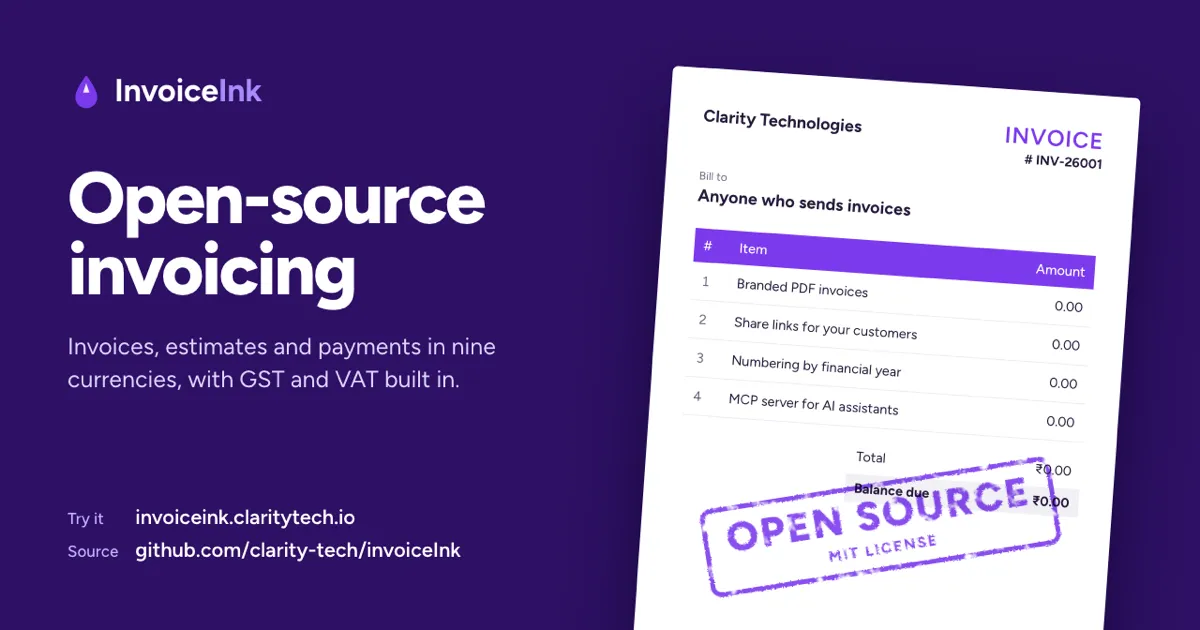
Sending an invoice should take a few minutes. Getting the GST right, billing a client in Dubai in dirhams and keeping track of who still owes you shouldn't take the rest of the afternoon.
InvoiceInk is the invoicing app we've been building at Clarity to handle all of that. We started it in July 2025, and after more than 40 releases it's free for anyone to use, and the code is open source.
Create your free account and send your first invoice today.
Who It's For
Freelancers, agencies and small businesses that want professional invoices without a complicated accounting package.
It's especially useful if your invoices don't all look the same: some customers in India and some abroad, GST on some invoices and VAT or no tax on others, and more than one currency.
Create an Invoice in a Few Minutes
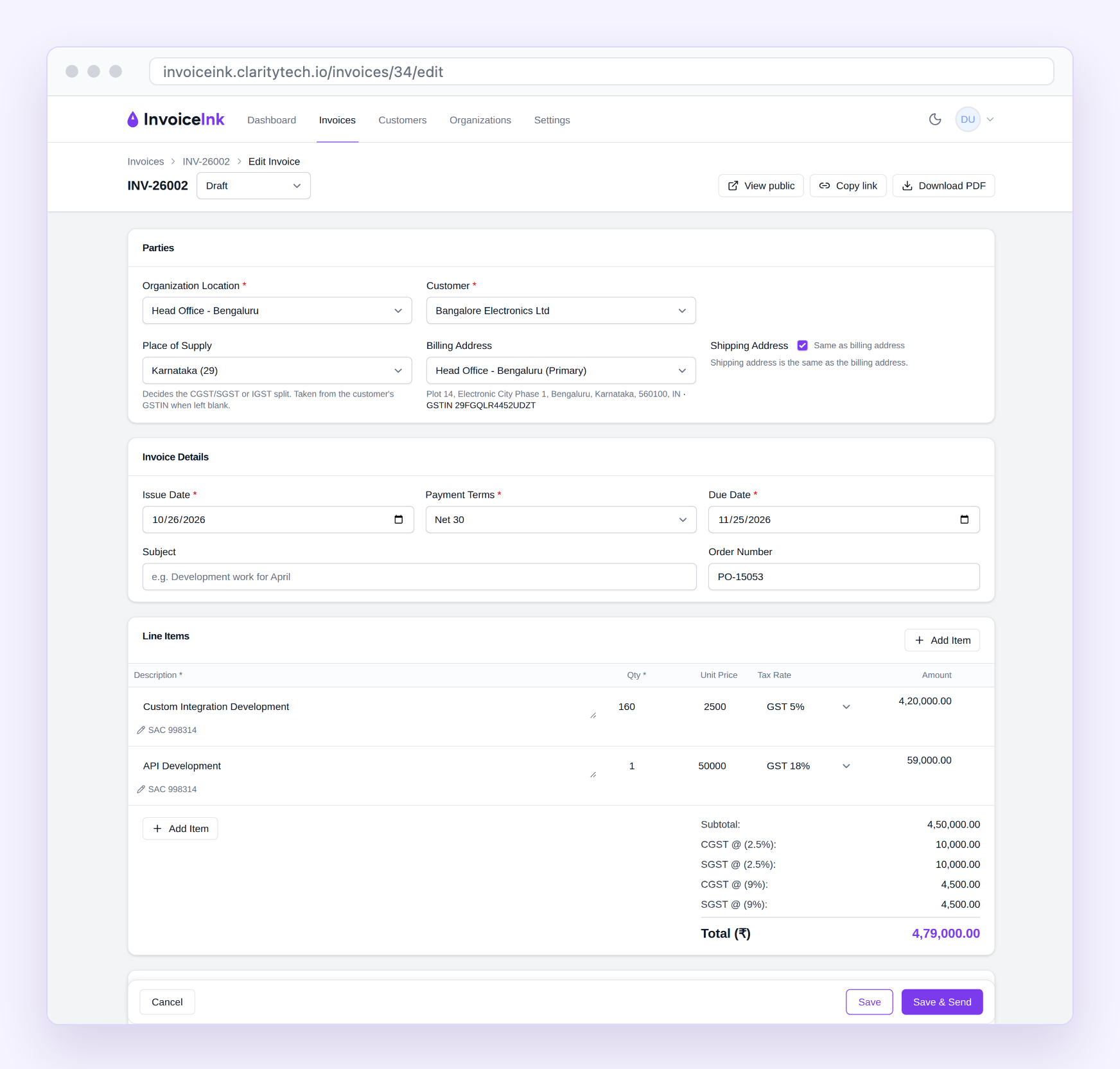
Pick a customer, add what you're billing for, and InvoiceInk does the arithmetic as you type. Each line can carry its own GST rate, and for Indian customers the place of supply decides whether the invoice charges CGST and SGST or IGST, so you don't have to work it out.
When it's ready, save it as a draft, or save and send it in one click. Estimates work the same way, and an accepted estimate becomes an invoice in one step.
Invoices Your Customers Can Open Anywhere
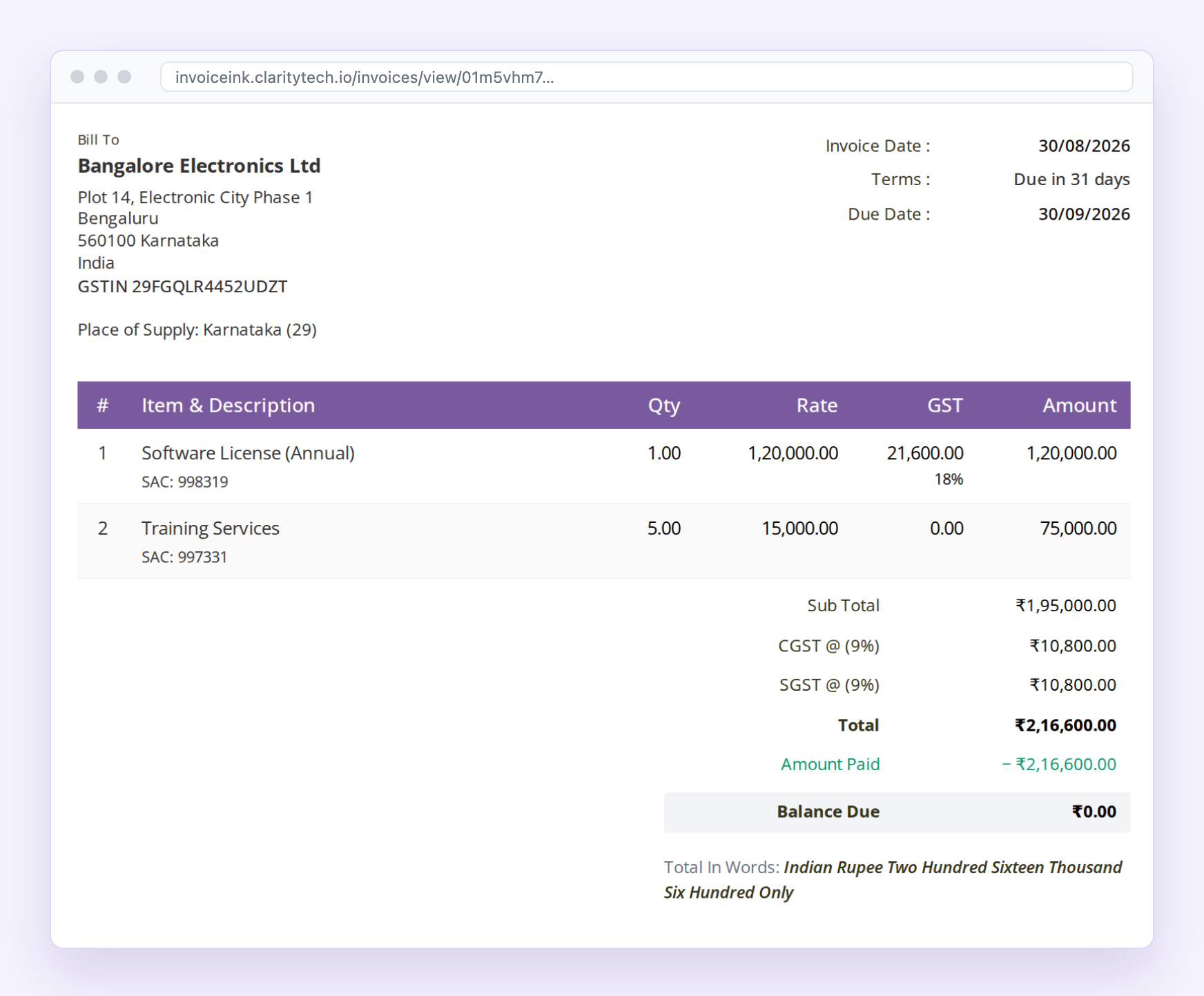
Email an invoice straight from InvoiceInk, or send your customer a secure link. They can view it, print it or download the PDF without signing up, and the link stops working after 30 days.
Your logo and bank details appear on every invoice, and the total is spelt out in words.
Bill Clients in India and Abroad
Invoice in Indian rupees, US dollars, euros, British pounds, Australian, Canadian or Singapore dollars, Japanese yen or UAE dirhams.
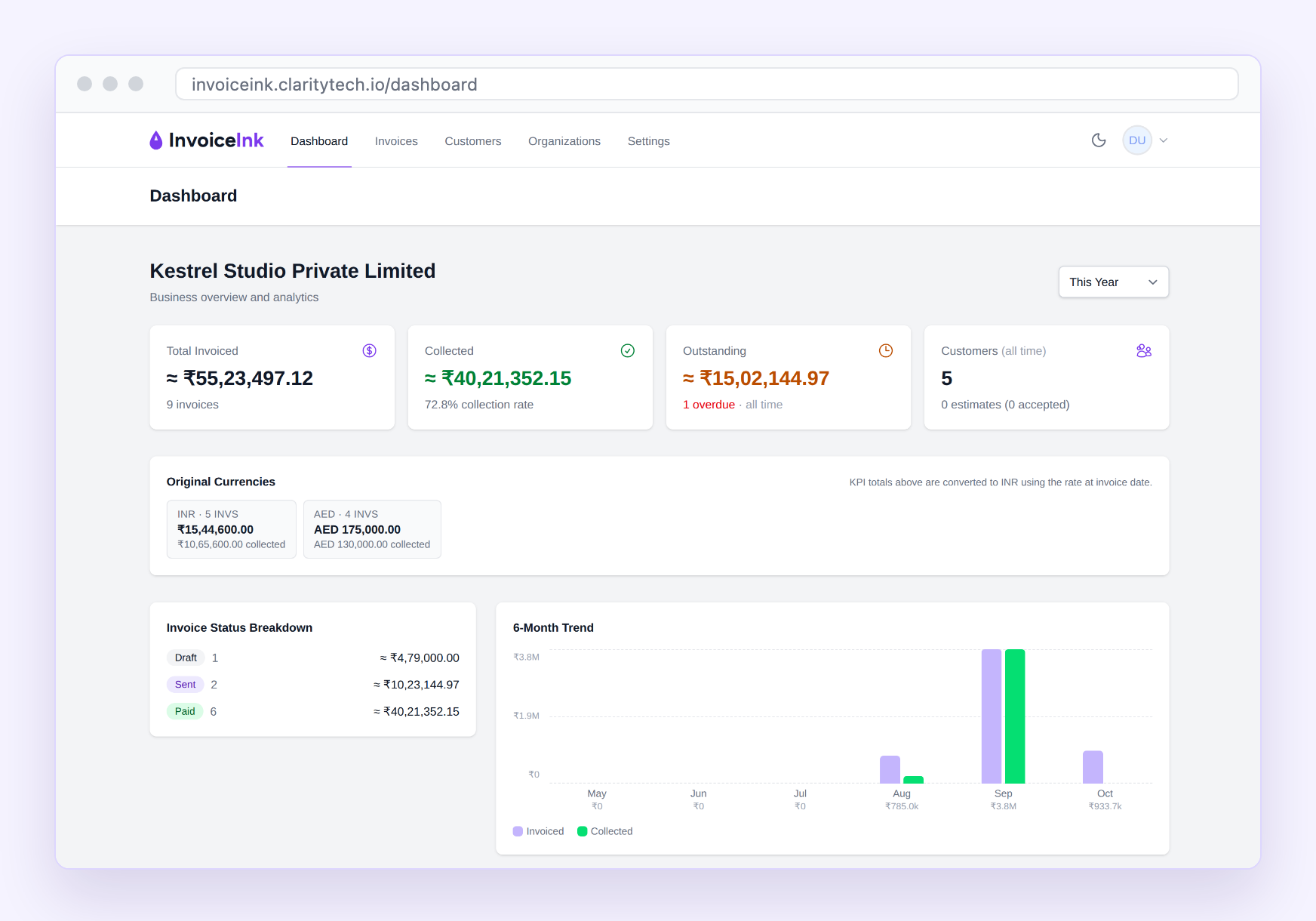
Your dashboard keeps each currency separate, and also converts everything to your own currency at the exchange rate on each invoice's date, so you can see the whole business at a glance.
Always Know Who Has Paid
Record full or part payments as they arrive. Invoices update to paid or partly paid on their own, and the dashboard shows what's outstanding, what's overdue and who your biggest customers are.
Ask Claude About Your Invoices
If you use Claude, you can connect it to InvoiceInk and ask about your invoicing in plain English. A question and answer might look like this:
You: Who still owes us money?
Claude: Two invoices are unpaid. Sandline LLC owes AED 25,000 on INV-26005, which has been overdue since 3 September. Corniche Labs owes AED 20,000 on INV-26007, due on 17 December.
You can also ask how much you billed last quarter, who your biggest customers are, or for every invoice sent to one customer.
Claude can only read your invoicing data. It can't create, change, send or delete anything. To connect it, add https://invoiceink.claritytech.io/mcp as a custom connector in Claude's settings, then sign in with your InvoiceInk account.
Get Started in Three Steps
- Create your free account.
- Add your business details, such as your address, GSTIN or VAT number, currency and financial year. A short setup guide walks you through it.
- Add a customer and send your first invoice.
Free to Use, Open to Everyone
The hosted app at invoiceink.claritytech.io is free. We run it and keep it up to date, so there's nothing to install.
InvoiceInk is also open source under the MIT licence. Anyone can read the code to see exactly how it handles your data, and a business that would rather run it on its own servers is free to do so.
For Developers
The code and a guide to running it yourself are on GitHub, and contributions are welcome. We'll cover how InvoiceInk is built, tested and released in a future post.